Robyn is an AI teaching assistant that follows along during the lesson and is then available to answer questions from any child who needs some help.
✓ Used in 200+ UK classrooms · Free trial, full setup, no obligation
 Aureus School
 Beaulieu Village Primary
 Compton All Saints
 The Cowplain School
 Growing Together Federation
 Hayfield Lane Primary, Doncaster
 Itchen Abbas Primary
 Market Drayton Junior
 Merton Junior, Basingstoke
 Newton's Primary, Rainham
 Oliver's Battery Primary
 Pensans Community Primary
 Saint James CE, West End
 St Edward's Royal Free, Windsor
 St George's Junior, Shrewsbury
 St John's, Basingstoke
 St Mary's, Shawbury
 Stockbridge Primary
 Wallop Primary
 Wellstead, Hedge End
 Western Primary, Winchester
The teacher device sits on a stand near your board. It watches your whiteboard and listens to your teaching.
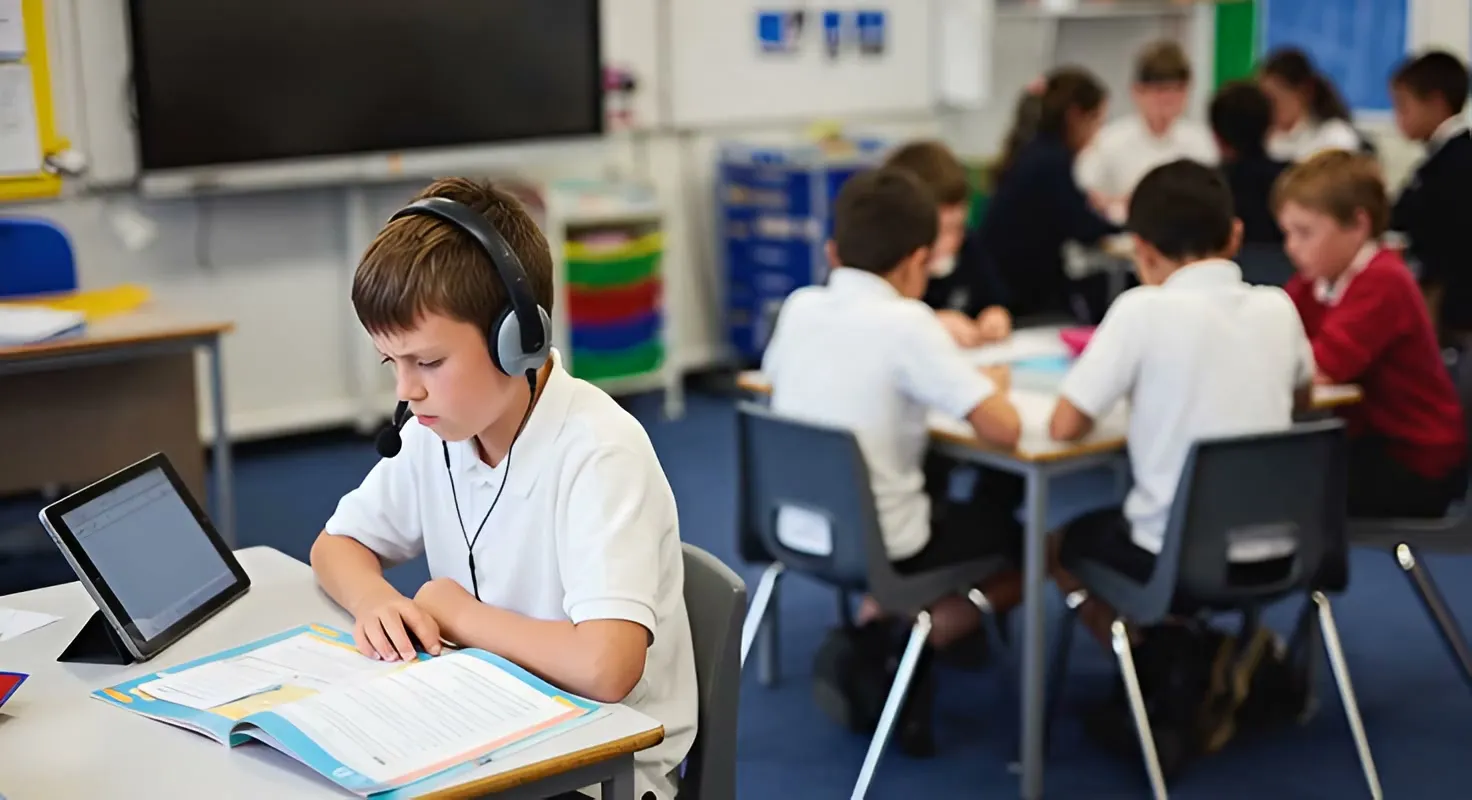
Pupils use handheld devices to ask questions about what you've just covered. Usually there will be three or four around the room — pupils pick one up if they need some help. You can see one of these in the video.
They can speak, type, or show it their work. They receive a spoken answer which also appears on a small screen.
Robyn's answer aims to help them make some progress: feedback on how to improve, a suggestion on how to get started, or a reminder of what was on the board.
Robyn won't just tell them "the answer".
Log in to Robyn from your classroom computer. Share your screen and microphone so Robyn can see your board and hear your teaching.
Pupils join on whatever devices you have available — iPads, Chromebooks, or laptops — using a QR code or link that you display. No app to install.
They type or speak their questions and get scaffolded support, based on your lesson.
Robyn's answer aims to help them make some progress: feedback on how to improve, a suggestion on how to get started, or a reminder of what was on the board.
Robyn won't just tell them "the answer".
Sees your board and hears your teaching — via a dedicated device or your classroom computer — learning your methods in real-time.
Students ask for help on a Robyn device or their own iPad, Chromebook, or laptop. They can speak, type, or show their work.
Robyn provides help based on your lesson — feedback, suggestions, or reminders. Never just the answer.
Robyn sat in on these lessons in a real classroom. Open one and you get exactly what a pupil gets.
See what your students will see when accessing Robyn with this quick demo of the student interface.
Not sure what to ask? Try “I wasn’t in this lesson — please help me catch up.”
Here are some examples of real conversations showing how Robyn scaffolds learning
Priced to make Robyn affordable for every classroom.
Price includes all hardware: teacher and student devices, stand for the teacher device, headsets for the student devices, charging stations.
Pay in termly instalments, at the start of each term. The first instalment will be pro-rated to cover from the end of your trial to the end of that first term.
We will set everything up for you. We continue to own the hardware and will replace any items which break or fail (including, subject to reasonable care, failure due to accidental damage).
Prices exclude VAT.
Students join for free on devices your school already has. No limit on the number of students.
Pay in termly instalments, at the start of each term. The first instalment will be pro-rated to cover from the end of your trial to the end of that first term.
Prices exclude VAT.
While Robyn can't do everything a human can do, the pricing compares very favourably to employing additional adults in the classroom (an extra LSA/TA costs approximately £24,000 per year.) Robyn extends your reach to every pupil, freeing your existing LSAs and TAs to spend their time with students who need them most.
Using your Inclusive Mainstream Fund allocation? Read our guide to what you can spend it on.
See Robyn in action and we'll get you set up with a free trial — no obligation, no cost. Or if you'd rather just crack on, record a 3-minute test lesson yourself (opens in a new tab) and then start a free trial.
Or just have a question? Ask us →
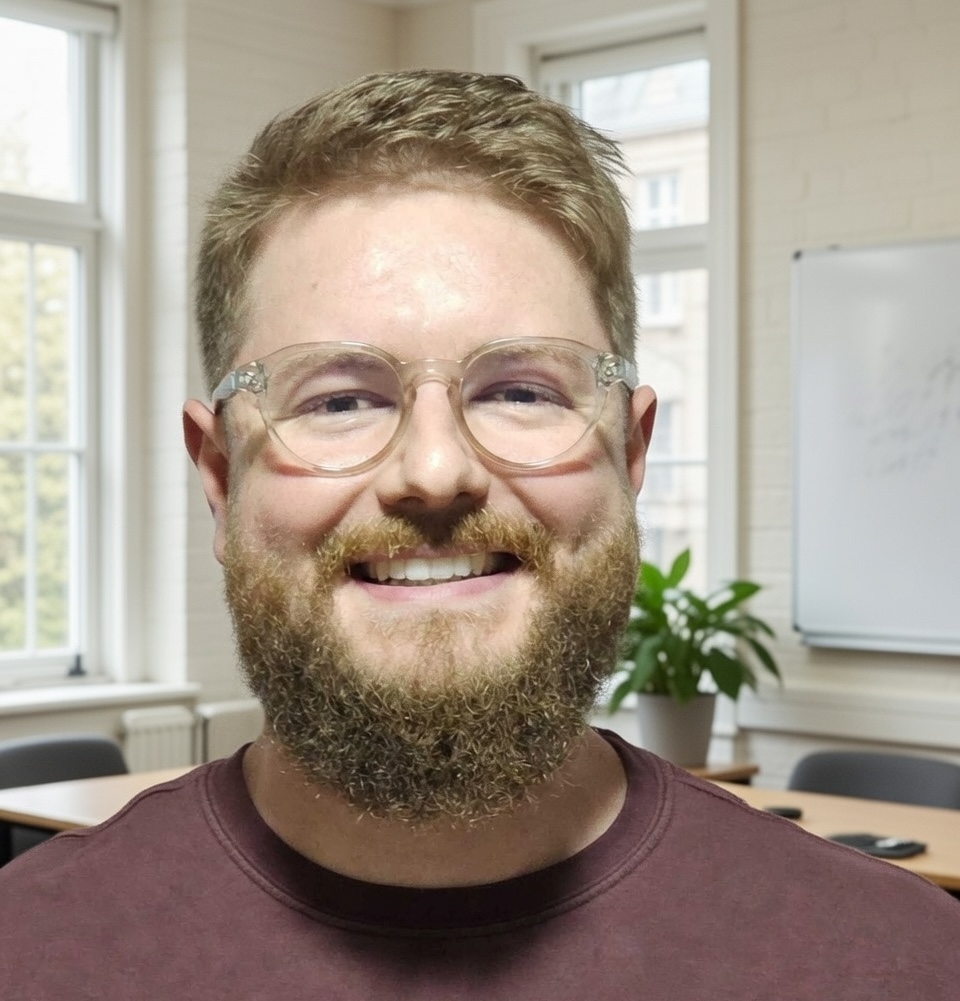
Our founder and CEO, Bruce Greig, has 15 years of school leadership experience as a school governor. He has a background in tech and business operations, and is an accredited Special Educational Needs mediator (and has conducted over 700 SEN mediations).
Teachers and teaching assistants can't get to everyone in the class. Some questions go answered, or can only be answered after the child has had to wait for a while. Some children don't want to ask a question. They would just sit quietly and hope to muddle through. Other children have very many questions, more than a single adult can reasonably spend time answering.
Robyn helps children like that, and for every child it allows many more questions to be asked than could be asked if there was just one teacher in the class.
Because Robyn's answers are based on what the teacher themselves has said, it allows the teacher to extend their reach to everyone in the class, almost as if they were at every child's side all the time. Indeed, that's exactly how one child described it: "It is like having three more teachers in the class!".
Robyn has now answered tens of thousands of questions from children in real classrooms. Some of these are mundane ("what am I supposed to be doing?") others are much more nuanced ("how old was Macbeth?"). All represent a moment where a child has received a little bit of help when otherwise they might have needed to wait for an adult.
Robyn uses minimal energy compared to other classroom equipment
In a typical day, Robyn uses about 25-50 Wh of energy (including its own power for its display and wifi and so on, and the energy it uses in data centres to process questions).
This is less than the energy needed to keep the school gate closed all day with an electromagnet (~150 Wh), far less than running the interactive whiteboard for a day (~2,000Wh) and miniscule compared to the energy needed to keep the classroom warm for the day (~50,000Wh - a number which won't fit on the graph here, so we use a single hour)
Responsible infrastructure: We use datacentres run by Google and Microsoft which use minimum 75% carbon-free electricity and are committed to water replenishment by 2030.
Ask Robyn a question · no sign-up required
Students can reach it on any school device — or we can provide dedicated Android devices if you need them.
You weren’t in any of these lessons — but that’s fine: tell Robyn you missed the lesson and need help catching up.
Free trial · no card needed
Robyn follows along during your lessons and can then provide scaffolded support to students in the room.
“I have been teaching for 14 years, I wish I had this when I started. It makes teaching so much easier.”
— Laura Morris, Year 5/6 teacher · Stockbridge Primary School